 TR
 EN
One stack
The same services you use in the terminal. No second php.ini, no second data folder.

A local development environment built on top of Homebrew. Apache, Nginx, PHP, databases and real local HTTPS from a single app — without installing a second server.
Our approach
Most development environment tools ship their own copies of Apache, PHP and a database, leaving a second stack on your machine. BRAMPP manages the services you installed with Homebrew instead — it takes on the tedious parts and leaves no duplicates behind.
The same services you use in the terminal. No second php.ini, no second data folder.
Running brew upgrade will not break your environment.
The app and the services it manages are all compiled for Apple Silicon.
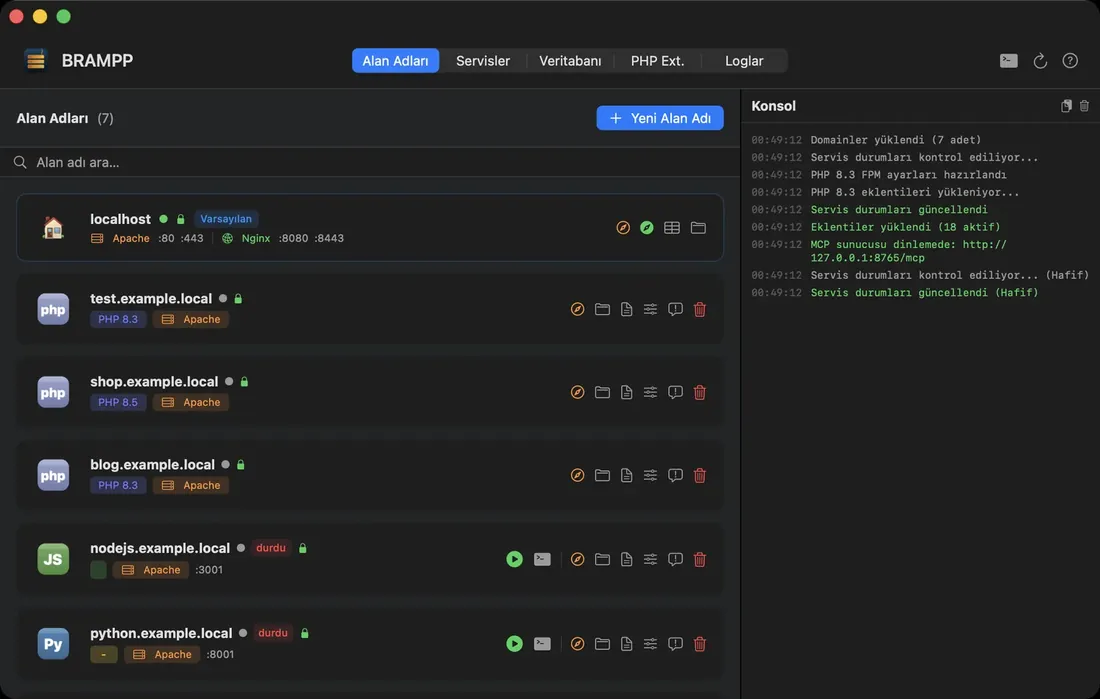
Domains
A platform badge, the PHP version per domain, the web server, the SSL lock and live running status at a glance. When you add a domain, the virtual host, the hosts entry, the site folder and a starter project are prepared in one step.
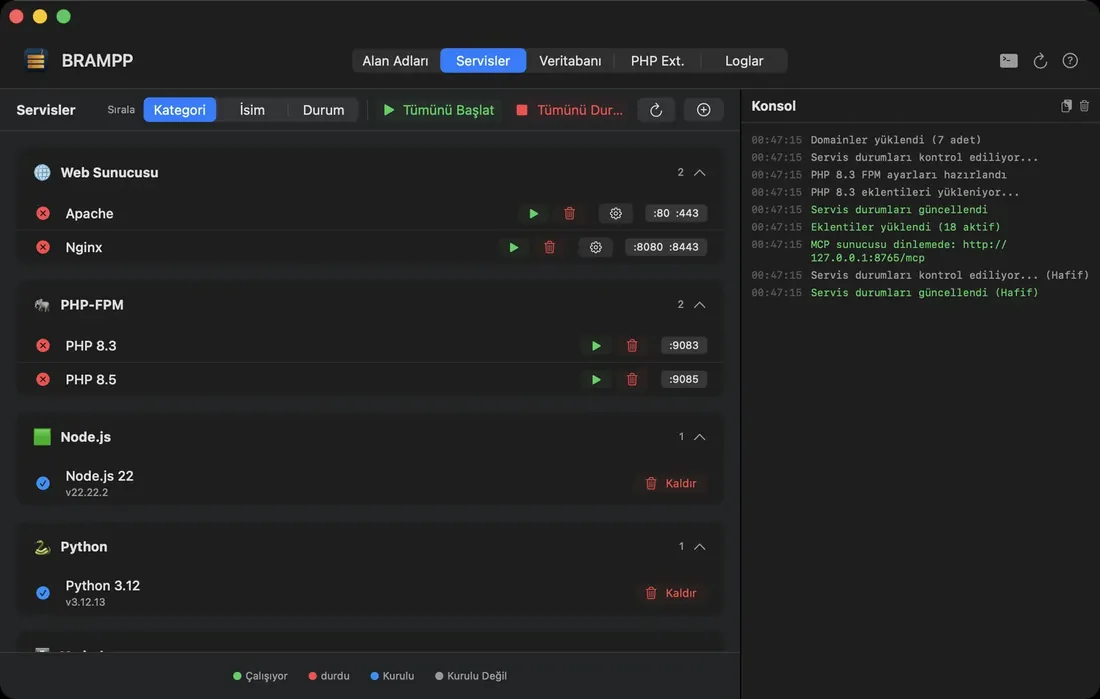
Services
Web servers, PHP-FPM versions, runtimes, databases and caches on a single screen. Services you have not installed can be installed from here, or hidden from the list.
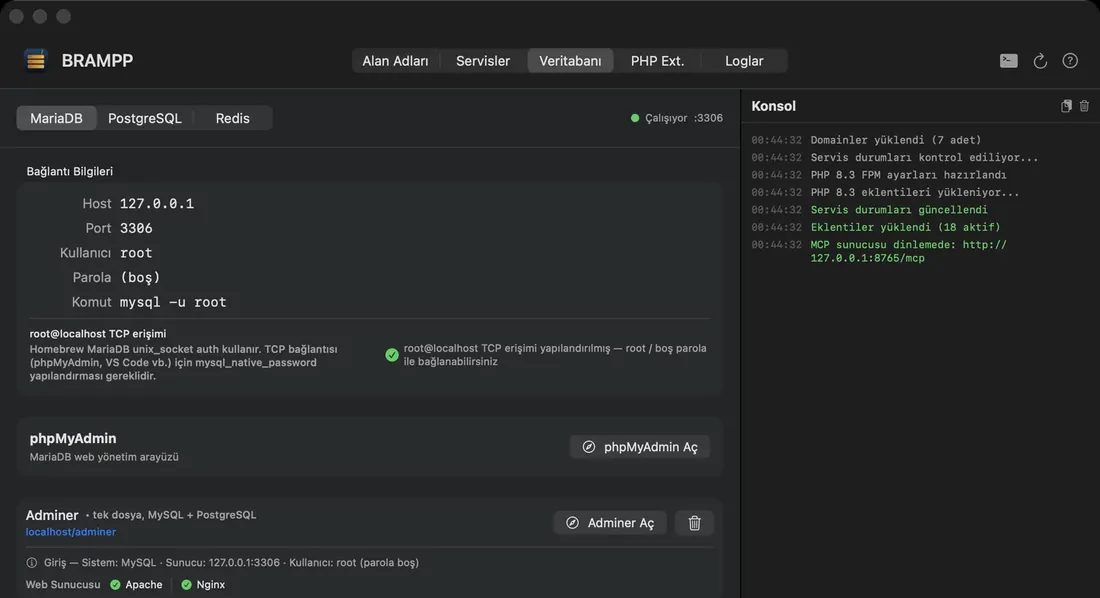
Database
Connection details ready to copy, creating and dropping databases, backing up and restoring. You open phpMyAdmin, pgAdmin or Adminer without memorising an address.
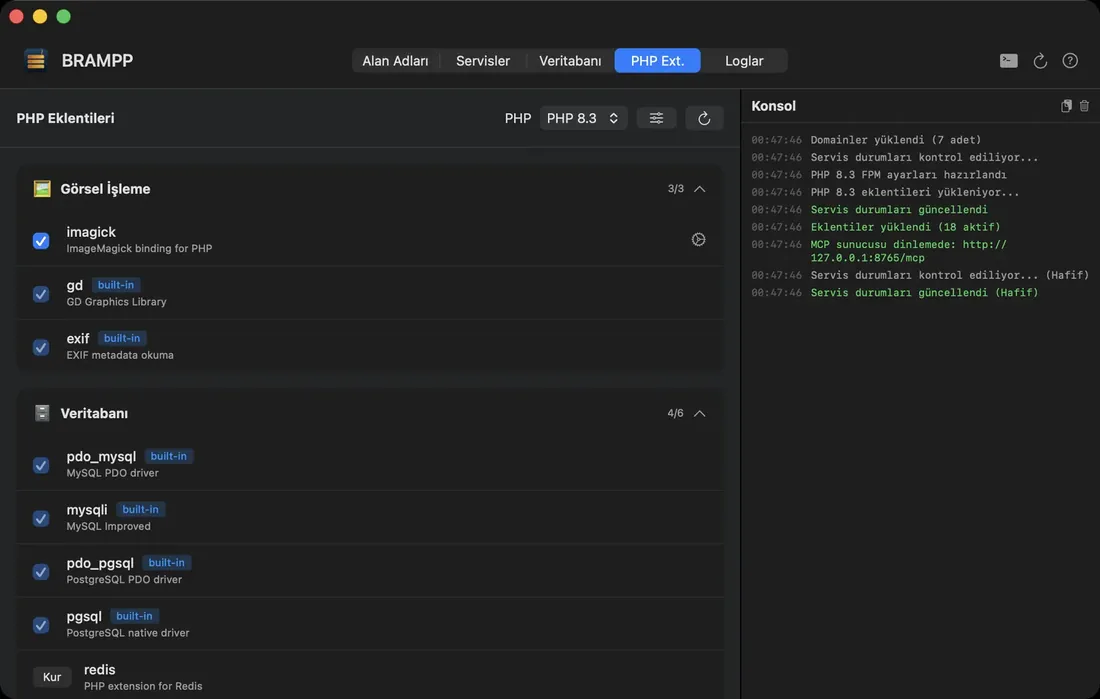
PHP extensions
xdebug, redis, imagick and friends switch on and off with a single click. Every PHP version carries its own extension set and quick settings — separately, from 8.1 to 8.5.
Logs and AI
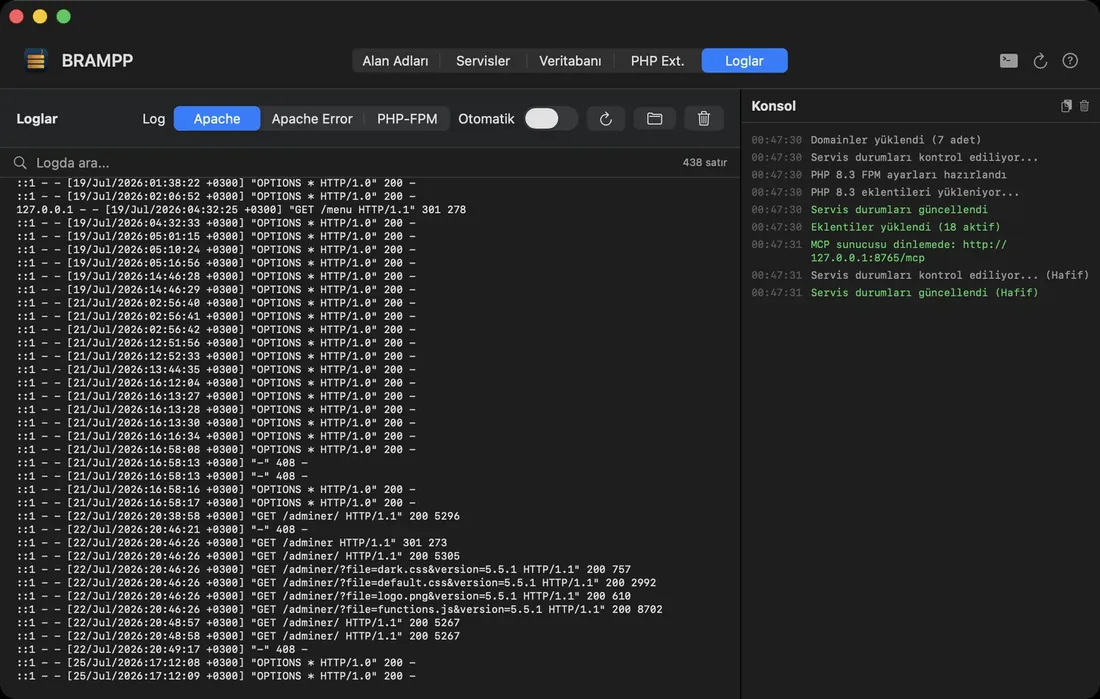
Apache, Nginx, PHP-FPM and application logs streaming live in one place. A switch in the settings turns BRAMPP into an endpoint for AI assistants: your assistant creates a domain, starts a service, reads the log.
All features
Each one is a job you would otherwise do by hand in a configuration file.
Installation steps, troubleshooting and release notes live on the product site.
Installation
Download the app and move it to your Applications folder. It is signed with a Developer ID and notarised by Apple, so macOS opens it without extra steps.
Ports, PHP-FPM, the certificate authority and database access are configured. Only the steps you approve are applied, and every command that runs is shown on screen.
Pick a name and a platform; the virtual host, certificate and site folder are prepared. Open your own local address in the browser.
Requirements: macOS 14 Sonoma or later, Apple Silicon, Homebrew. Free and MIT licensed.
We write our own tools because we would rather not repeat the same work on every project. We can build you something similar.